 Domino FlakeTorginol · FB-411
Materials & Catalog
Preview the products you sell.
Start with the Standard Library, then add the brands, collections, SKUs, swatches, and specialty systems that make up your catalog.
NORTHLINE FLOORS · MATERIALS & CATALOGDomino Flake Sterling Metallic
 Polished ConcretePreview in a room photo
Choose a floor system
Domino FlakeSterling MetallicPolished ConcreteBuild the catalog around what you carry.
Use the Standard Library for a fast start. Add My Materials when a product is specific to your business, supplier, or market.
- Search the shared library
- Add your own products and swatches
- Keep product identity consistent
 ShowFloorAI
Materials
Standard LibraryMy Materials
Domino FlakeTorginol · FB-411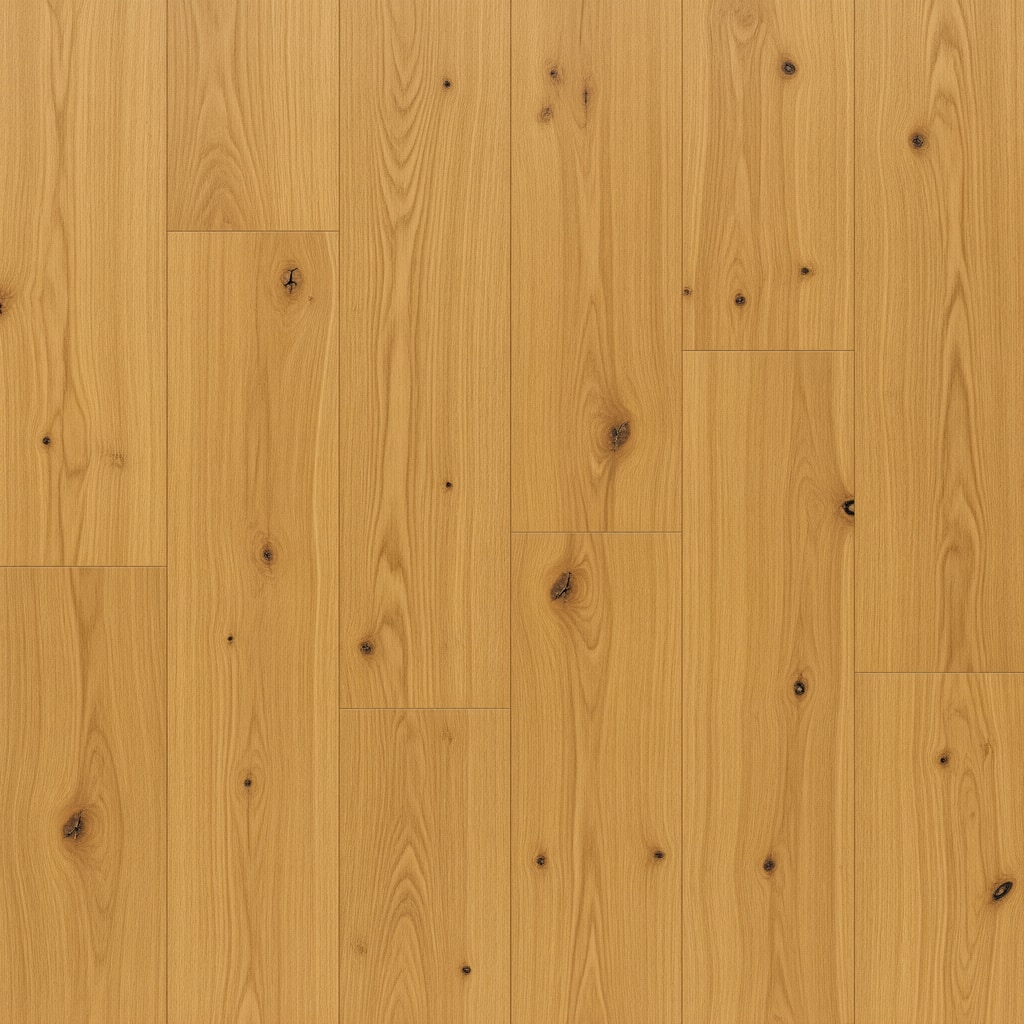 Beach Blonde OakMohawk · CDL65-132
 Gatehouse OakCOREtec · VV810
 Calacatta AriesDaltile · MA85
Give every product the details your team and customers need.
Add the name, brand, collection, SKU, category, and swatch once. Those details stay with the customer’s selection from preview through proposal.
Product name
Use the name customers and your team recognize.
NAMEBrand and collection
Keep each product tied to the right manufacturer and line.
BRANDSKU and category
Make the exact product easy to confirm during follow-up.
REFERENCEProduct swatch
Use a clear image you are comfortable showing customers.
SWATCHOne selection from preview to proposal.
Select the product once. Its name and swatch stay with the room visual, saved job, share link, and proposal.
Customer room
The chosen product appears in the customer room.
→Maria Garcia · Garage
The product remains attached to the customer and room.
→Customer preview
The customer sees the same product name with the visual.
→One scope · $4,620
Scope and price stay tied to the product your team approved.