Customer job
Contact, room, notes, and product choice begin on one record.
→Keep the customer photo, selected product, visual, working price, proposal, and status on one record your team can reopen.

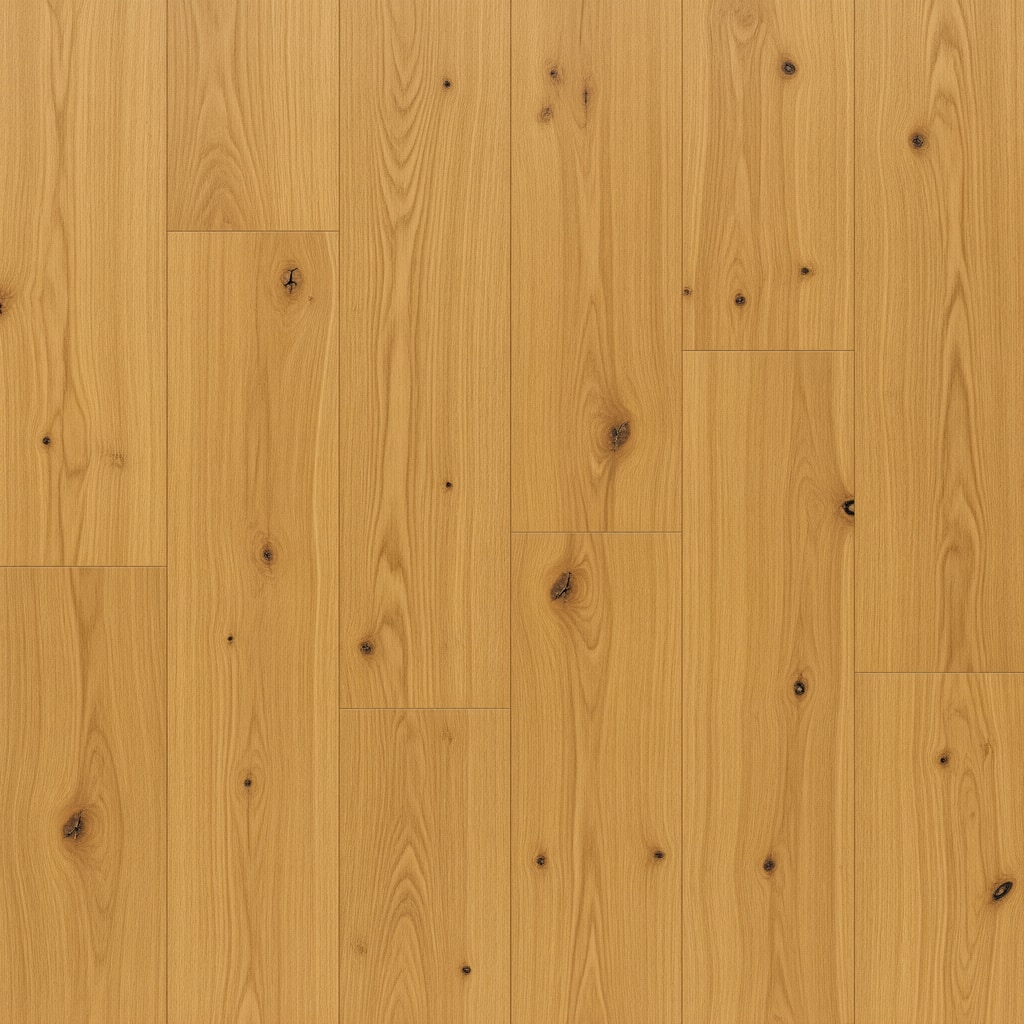 Beach Blonde OakClient job · laminate previewView client preview
Keep the customer photo, selected product, finished visual, working price, and proposal status together. Reopen the job later without rebuilding the conversation.
 ShowFloorAIEP
14 Harbor View Drive · Rye, NY
From preview to follow-up, each step opens from the same job. See what the customer selected, what they received, and what your team needs to do next.
Contact, room, notes, and product choice begin on one record.
→Preview the selected floor in the actual room or jobsite.
→Send one visual or let the customer browse your catalog.
→Review one scope and price, then send it for acceptance.
Know when the customer first opens a proposal and when they accept it. On Business, your whole team sees the same jobs and follow-up list.
See Visual Proposals →PROPOSAL ACTIVITY
Connect HubSpot, Jobber, Pipeline CRM, or your webhook. After acceptance, ShowFloor can prepare a QuickBooks draft invoice for your team to review.
ShowFloor adds room, product, and proposal context without replacing scheduling, dispatch, or the sales process your team already knows.
See all integrations