
Email alert
Your team gets an email when a homeowner sends a request.
Homeowners browse your floors on your website, add a photo of their room, pick a floor, and send you the request. Their preview is ready in minutes. You get the lead with their contact details, room photo, chosen floor, and finished preview attached.
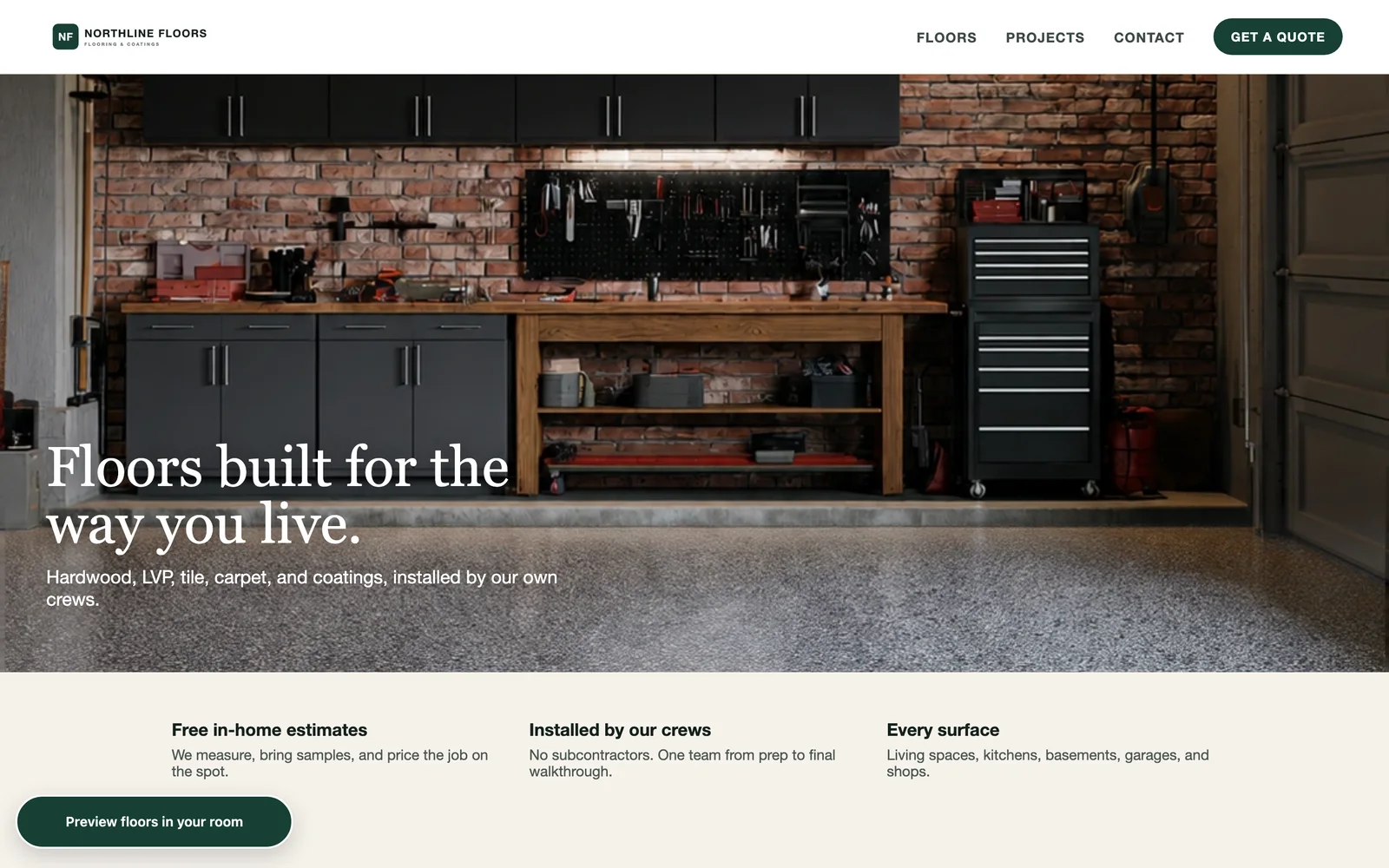
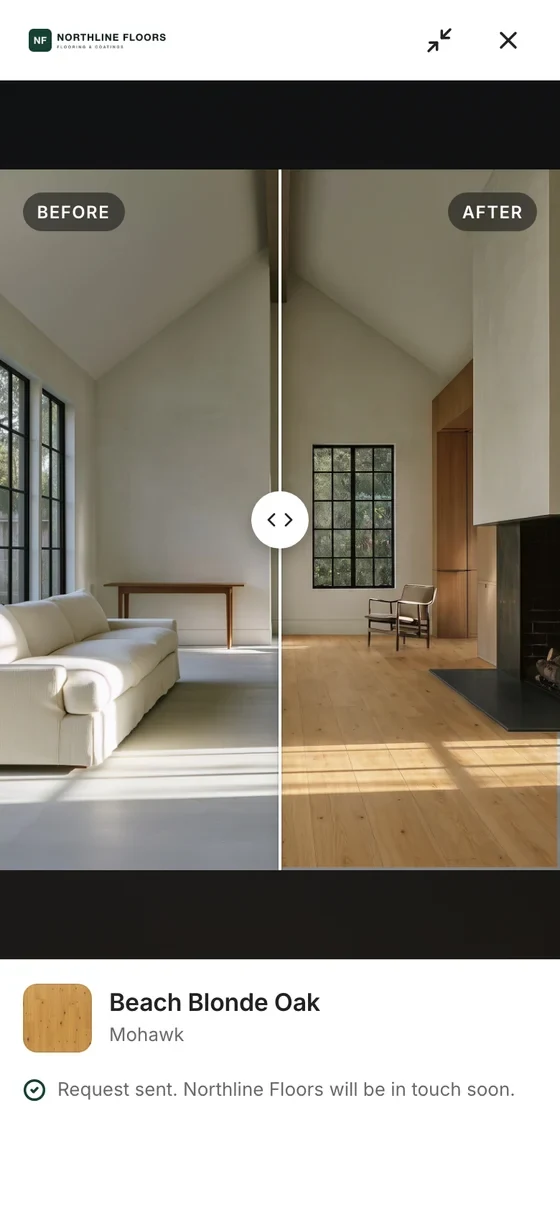
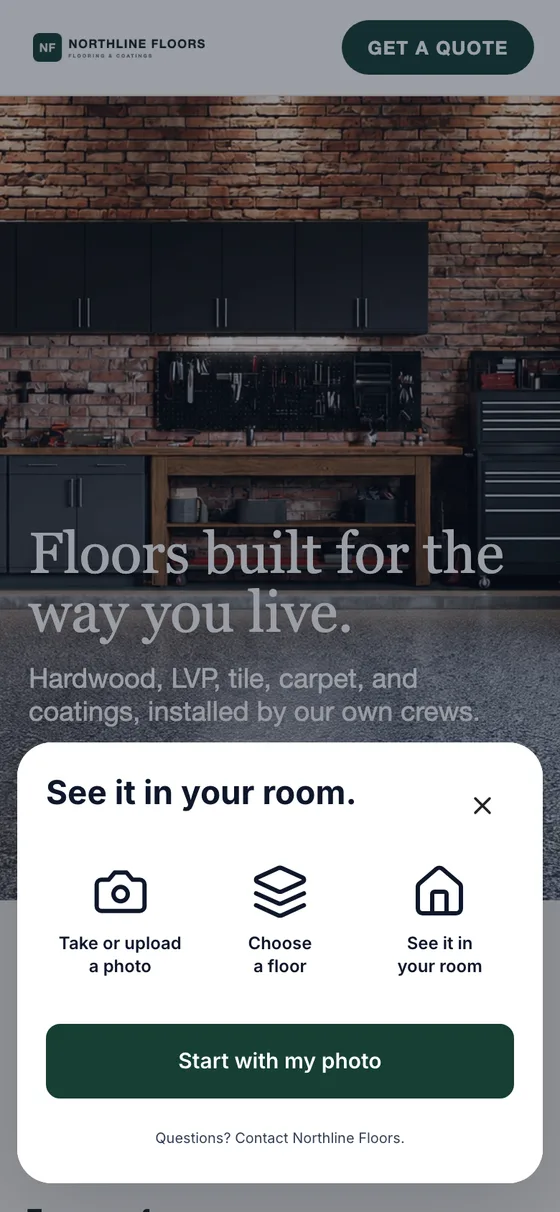
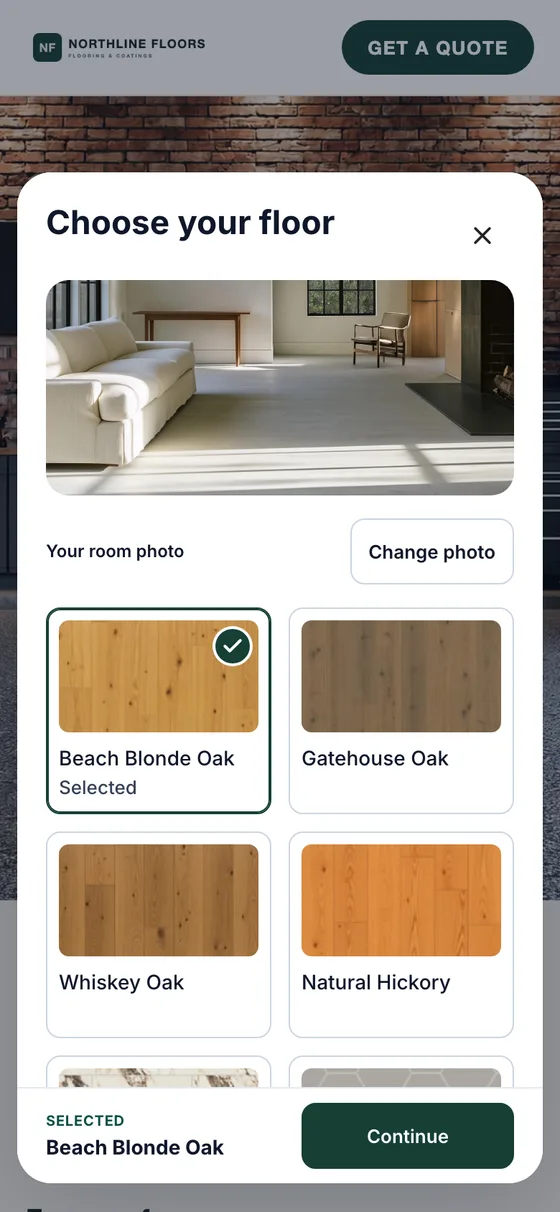
Put a showroom of the floors you sell on your own website, under your logo. Homeowners add one room photo, pick a floor, and send you their details. The preview shows on screen and arrives by email, from any phone or computer.
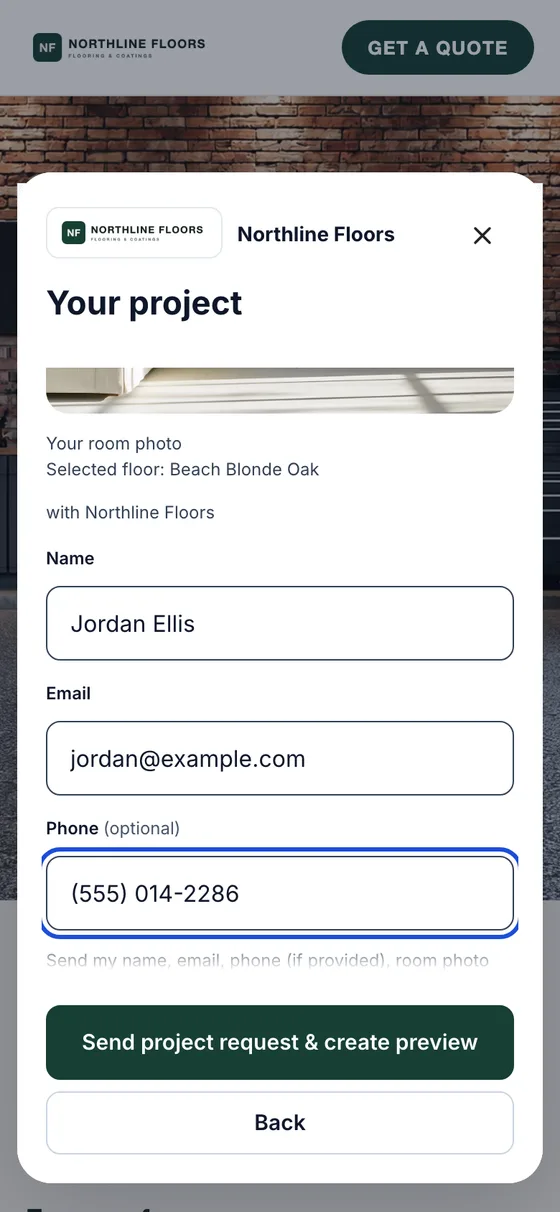
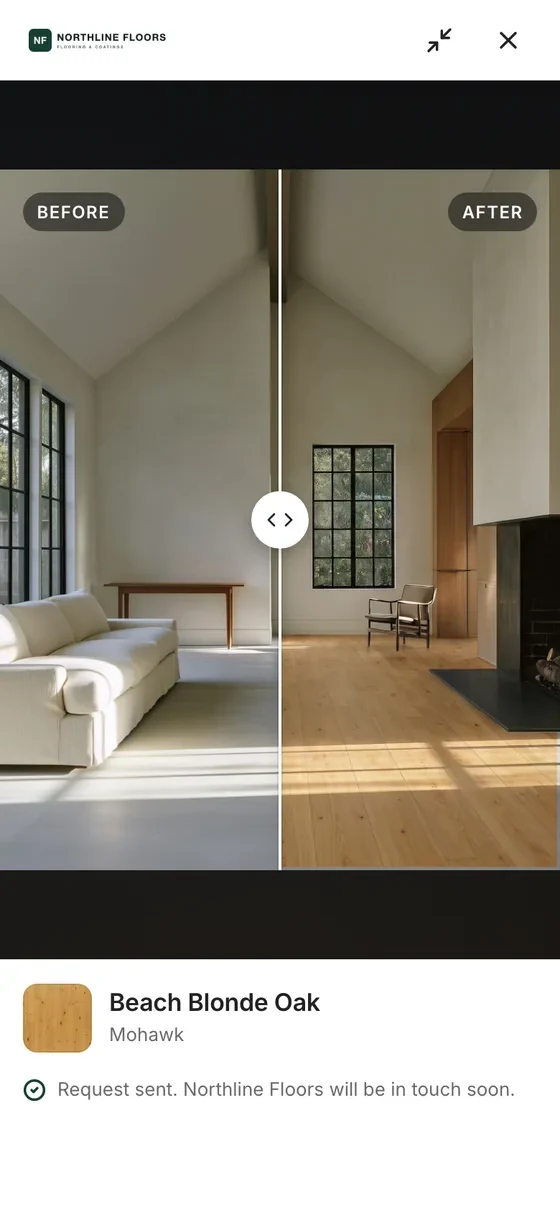
Open the request in ShowFloor to see who sent it, their room photo, the floor they chose, and the preview they saw. Call, text, or email them from the request without asking them to repeat anything.

Every request lands in your ShowFloor inbox and triggers an email alert. The homeowner's contact details, chosen products, and room photo can also go into your own CRM or job software, followed by the finished preview.
You can also open the visualizer from your own website buttons instead of the floating button, and send each step — opened, photo added, preview requested — to Google Tag Manager to track in GA4.
Your team gets an email when a homeowner sends a request.
Every request is saved in ShowFloor with the room photo, chosen floor, and finished preview.
Requests can also go into your CRM or job software. We can set that up with you.
Add it to your website yourself on the Business plan, or have us set it up and run it for you.
Talk through your setup →Add it to your website with the finishes you choose. Each request arrives with the homeowner’s name, phone, email, room photo and chosen floor.
We load your products, work with your website person, send requests where your team wants them, and train your reps.