 Domino FlakeTorginol · epoxy flake
Floor Visualizer
Show the floor in their own room or jobsite.
Add the customer’s room or jobsite photo, choose a product, and review the finished visual before you share it.


Tap to compare
From room photo to reviewed visual.
Start with the customer’s real space, choose a product from the Standard Library or My Materials, and inspect the result before you share it.
- 01Add the room or jobsite photo
- 02Choose the exact product
- 03Review, compare, and decide what happens next
 ShowFloorAIELENA PARK · LIVING ROOM
1 · ROOM PHOTO2 · CHOOSE PRODUCT3 · REVIEW VISUAL
SOURCE PHOTO
Use the floor you plan to sell.
Standard LibraryMy Materials
Domino FlakeTorginol · epoxy flake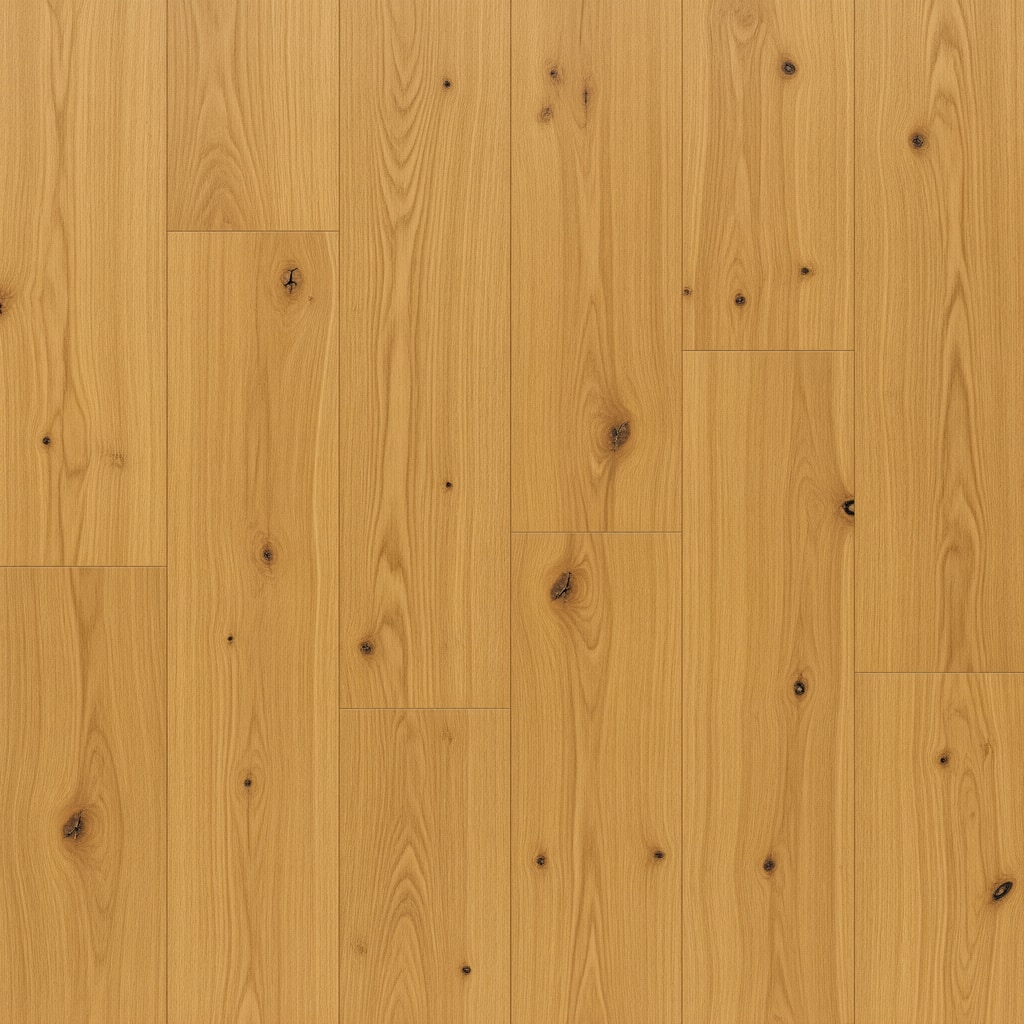 Beach Blonde OakMohawk · laminate
 Calacatta AriesDaltile · porcelain tile
FINISHED VISUALReady for your review
Review every visual before you share it.
Check the room, selected product, and finished result first. Then approve it, compare another floor, or keep it with the job.
You approve it first
The customer sees nothing until your team chooses to share it.
REVIEWUse a clear source photo
Use a wide view with the whole floor visible. No special camera required.
BETTER INPUTCompare another product
Switch products without recreating the customer or job.
COMPAREKeep it with the job
The room, selected product, and finished visual stay ready for follow-up.
SAVEDShare now. Follow up later.
Send a quick visual on the spot. Save it for follow-up. If the sale needs a proposal, carry the selected product into one reviewed scope and price.
Send a quick visual
Use a branded link when the customer only needs to see the choice.
SHARESave it for follow-up
Keep the room, visual, and selected product ready for the next conversation.
REOPENBuild a proposal
Add the selected product to one reviewed scope and price when the job is ready.
PROPOSAL