
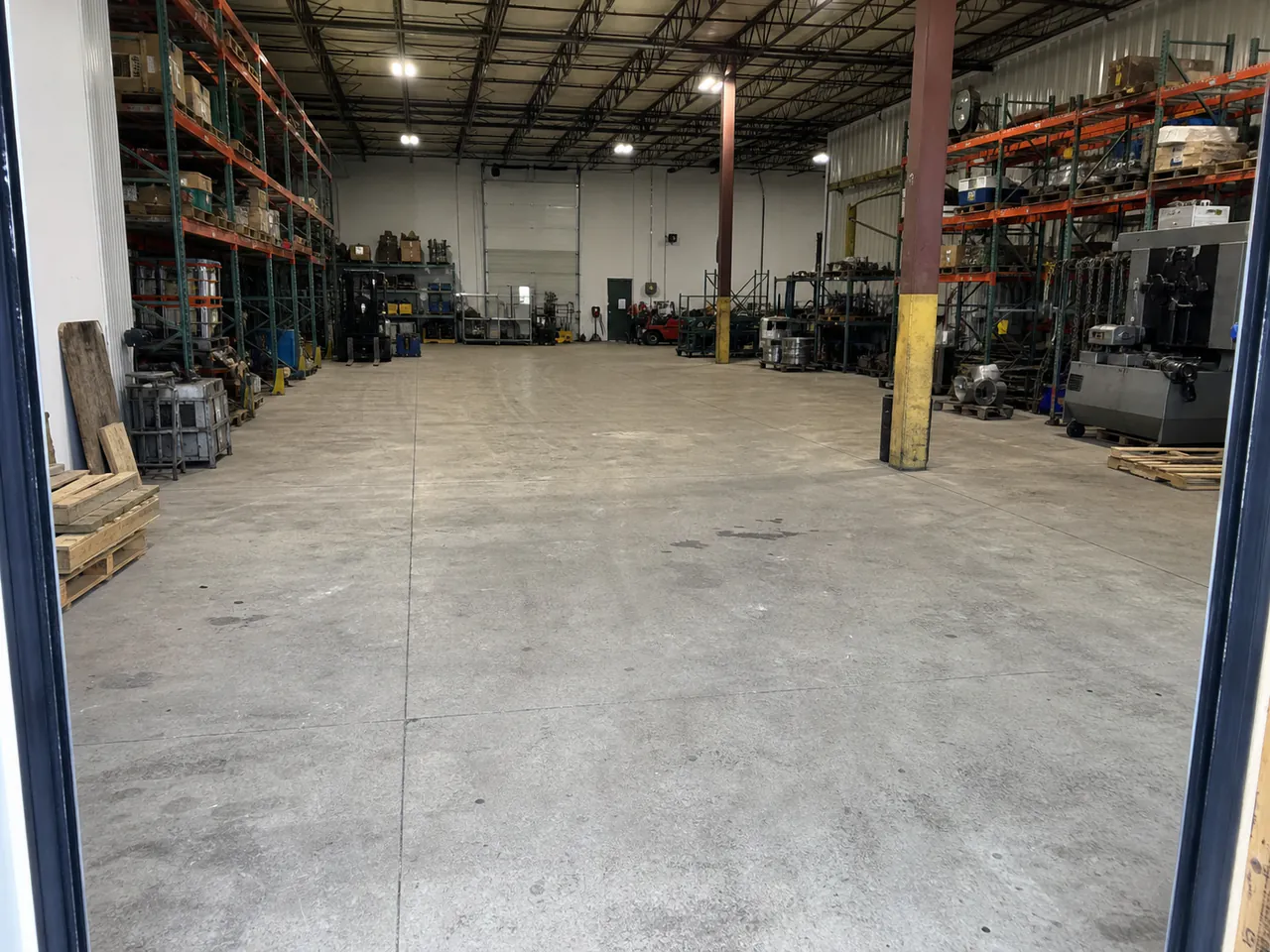
1 · Keep the site in view
Equipment, layout, and context stay visible.
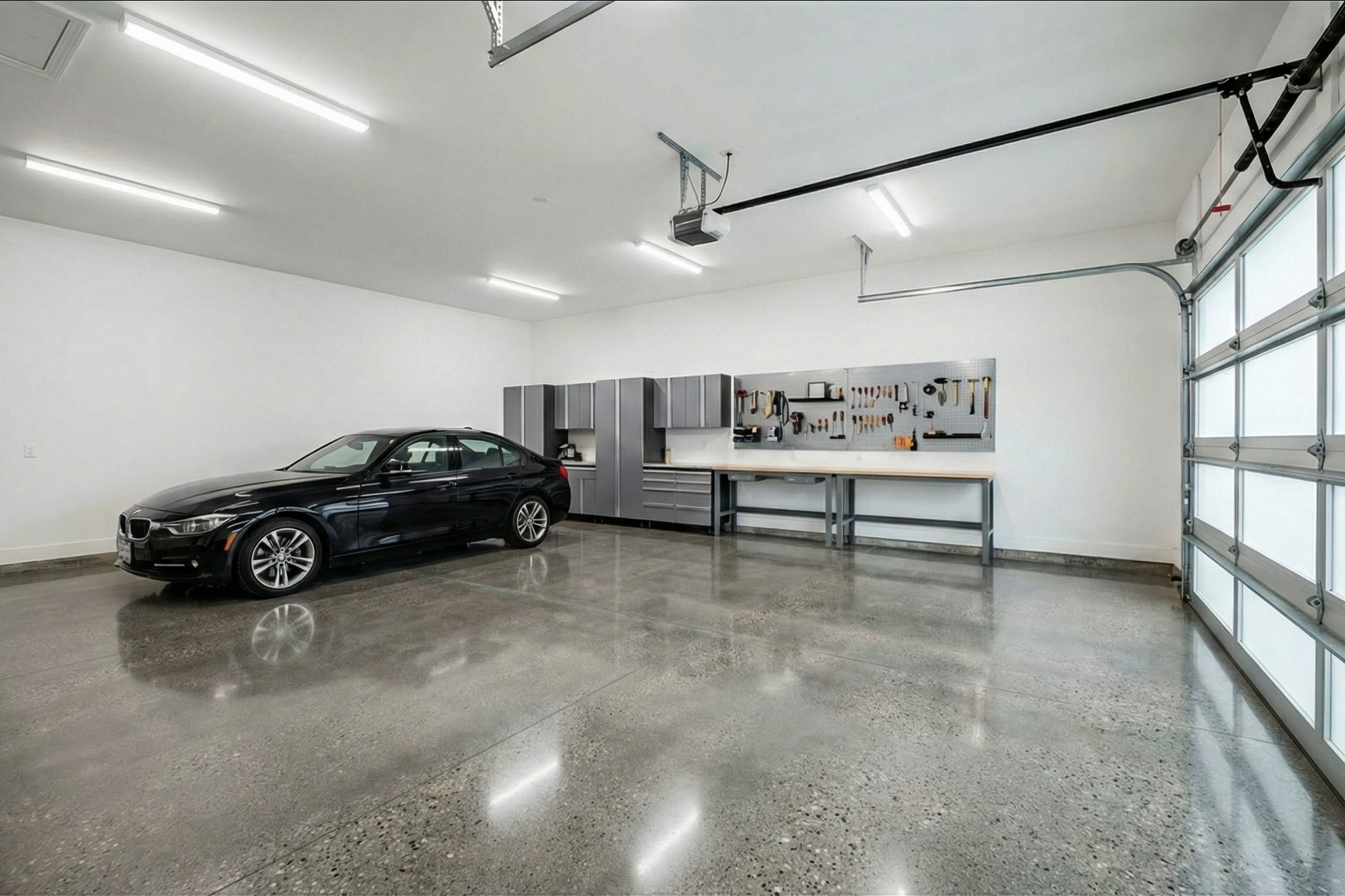
Turn a photo of the facility into a realistic preview of polished or coated concrete. Compare finishes in the context of the equipment, layout, and space you are quoting.
Compare three systems in this facility.
Each preview starts from the same facility photo.
One facility photo. Three finish directions.
Natural polished concrete
Share a clear visual with owners, facility teams, and project partners before the scope is finalized.
A color name or small sample does not show how polished concrete or a coating will read across the actual floor. ShowFloor keeps the facility, equipment, and layout in the conversation while you compare finish directions.
Use the facility photo to discuss how each finish could look alongside the existing equipment and layout.
Move between polished and coated systems without asking the customer to imagine each one.
Share the visual on its own, or place it beside the scope and price when the proposal is ready.
Start with the site photo. Compare finish directions in the same space. Share the selected visual for review, or carry it into a proposal when the scope is ready.
One visual thread from walk-through to review
1 · Keep the site in view
Equipment, layout, and context stay visible.
2 · Compare directions
 Natural polished
 White Night Grey
 Forge flake
3 · Ready to review
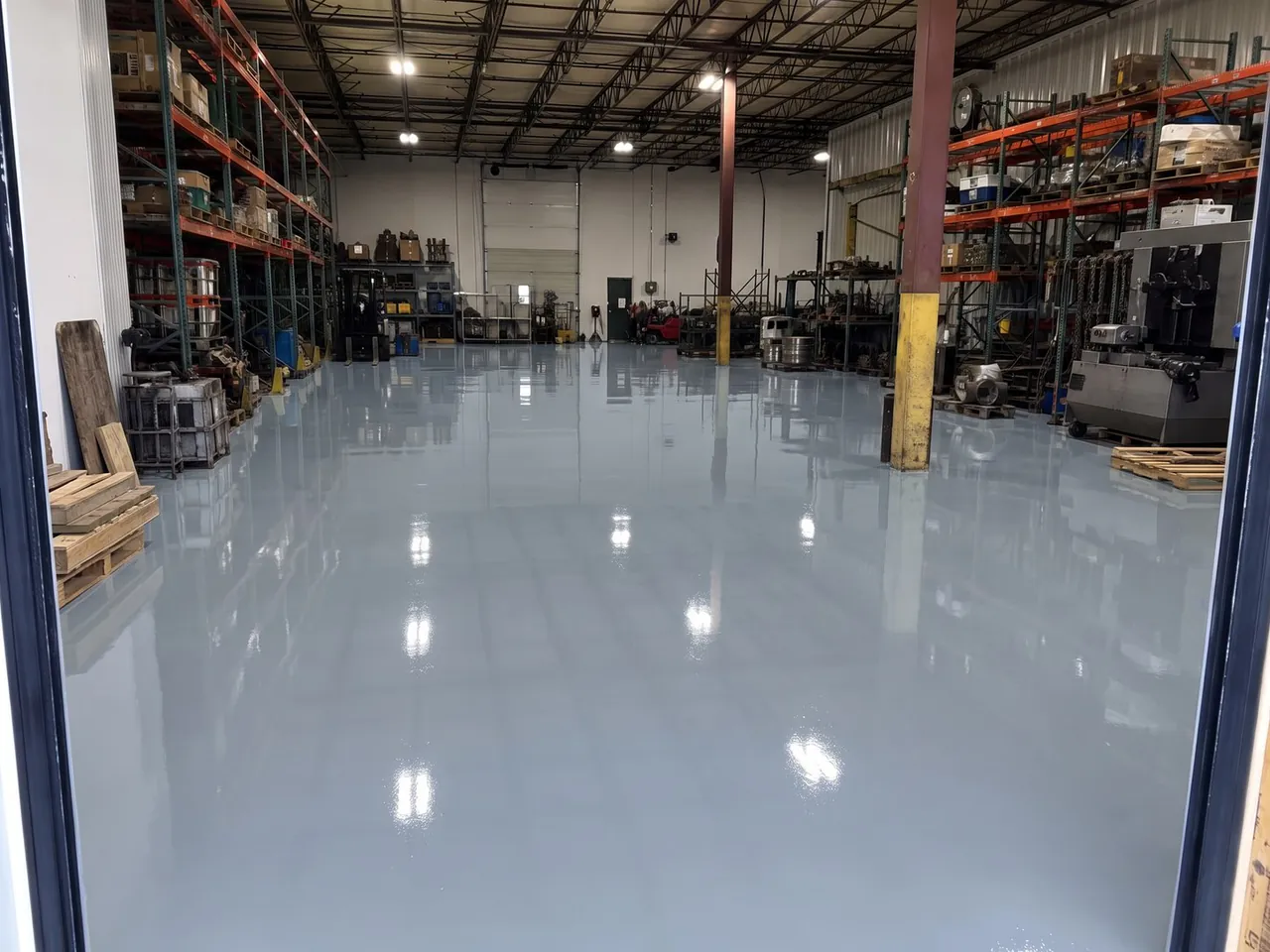
Clear for owners, facility teams, and project partners.
Share visualUse the visual by itself for a quick review, or keep it with the job and proposal.
Show the proposed floor in a setting the customer already knows, from industrial facilities to customer-facing spaces.
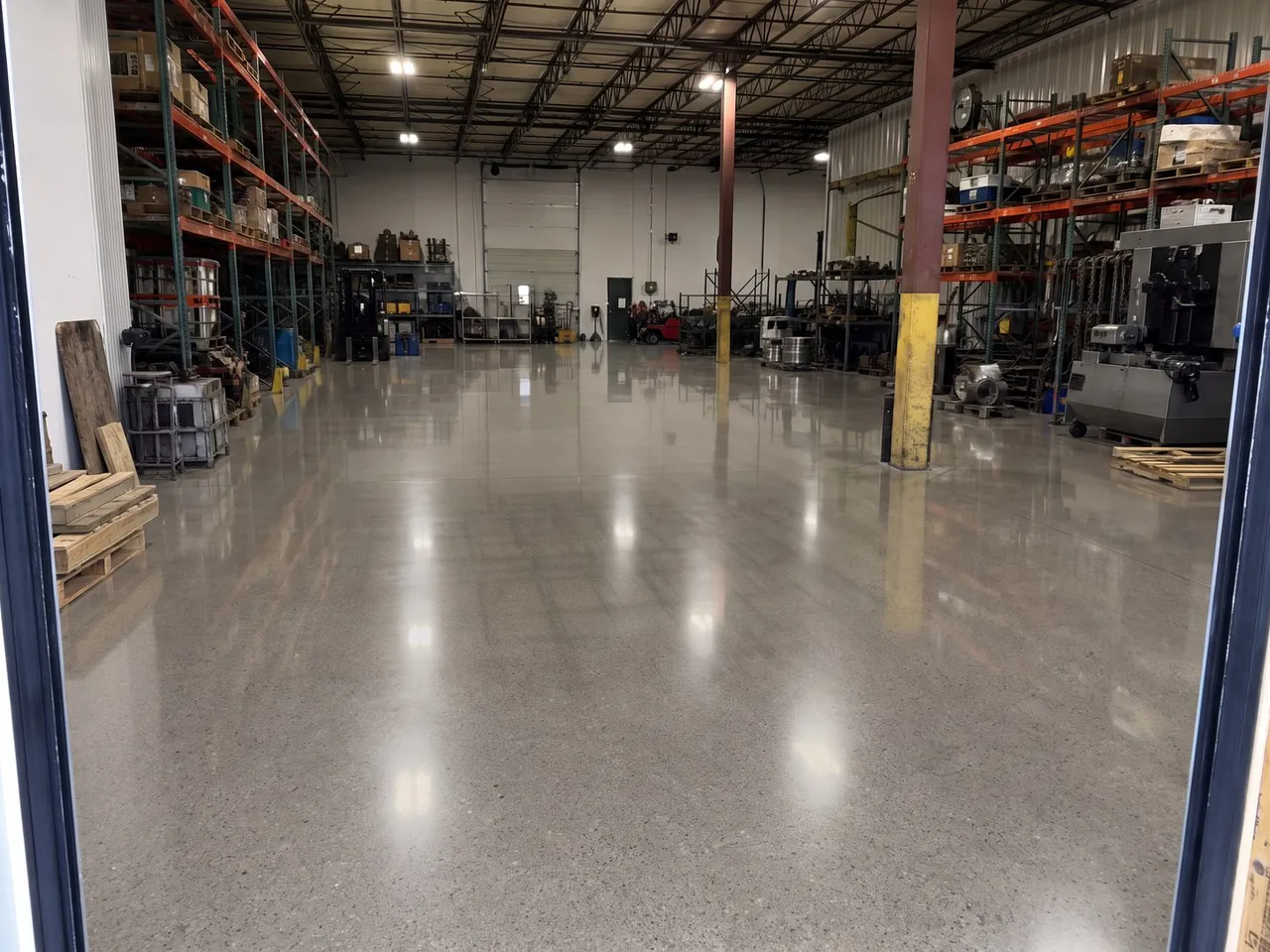
Compare polished and coated directions around the actual equipment and traffic areas.

Give owners a clearer view of the finish across active work zones.
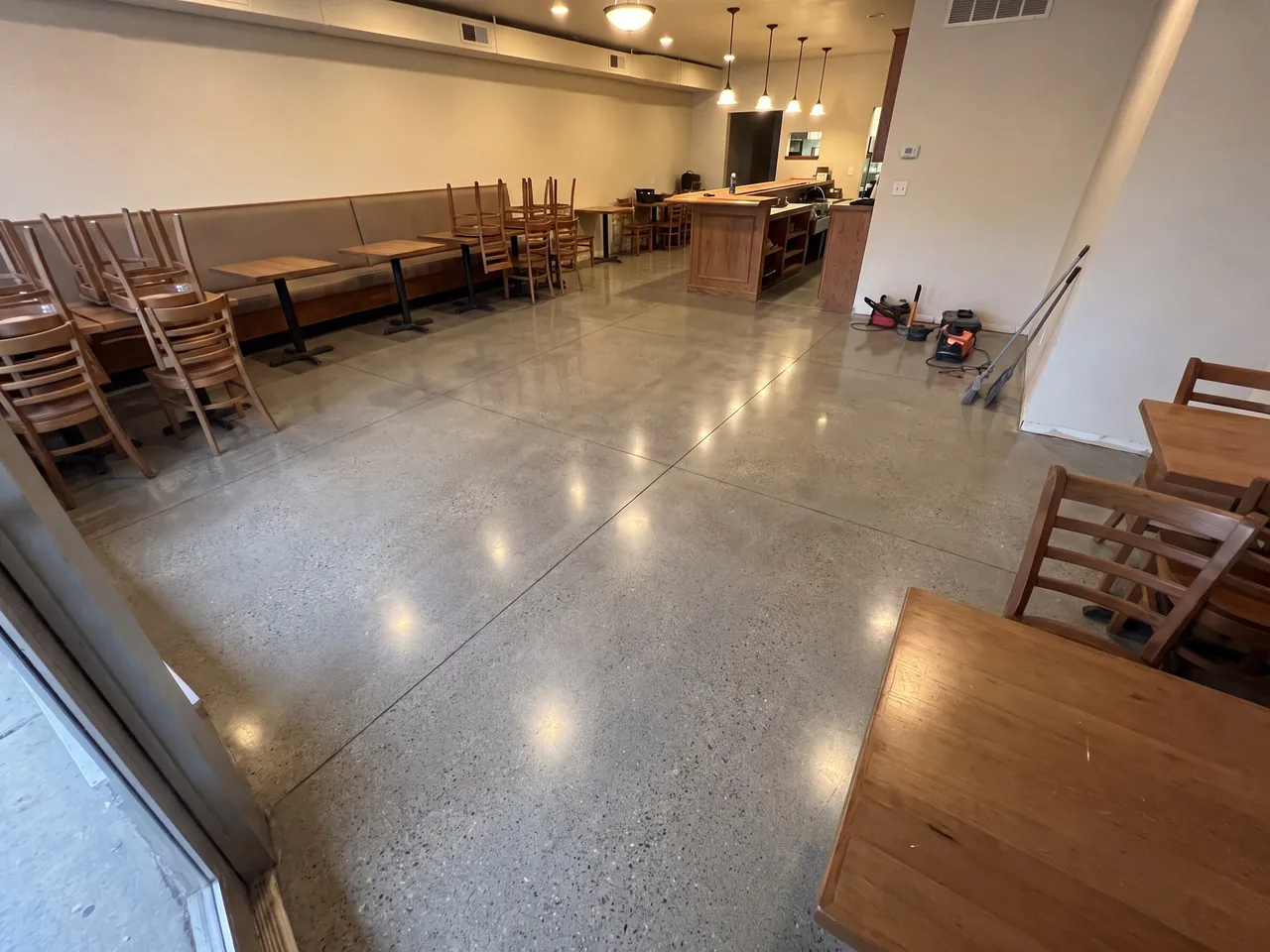
Review the floor in the context of the room customers will see.
Compare polish direction, sealed concrete, quartz, metallic, and solid-color systems in the actual facility.
Use the visual to compare finish direction. Final specifications, preparation, and system performance remain part of the contractor’s scope.




ShowFloor handles the visual sales step and optional proposal workflow without replacing the CRM or field-service tools that run your business.
Send the before-and-after for review without forcing the job into a proposal.
Add scope, price, and terms around the selected finish when the project is ready for details.
Know when the customer first opens the proposal and when they accept it.
Use ShowFloor for visual sales and proposals without replacing the CRM or field-service tools that run the business.
Create three previews with no credit card, then choose the plan that fits your volume.
Yes. ShowFloor can help visualize large open spaces. For bigger facilities, take photos from multiple angles so the proposal can show the full scope.
Preview the finish in the actual facility, share it for review, and add it to the proposal only when the job is ready.
Two contractor wins. One reason visual proof works.
ShowFloor helped contractors close $15,000 and $33,000 flooring and coating projects after showing the customer a preview. The jobs were different, but the sales advantage was the same: the customer did not have to imagine the outcome.
A.G. Williams reported using ShowFloor previews to help sell a $15,000 flooring job.
Evergreen Floors reported using ShowFloor previews to sell a $33,000 floor with a custom metallic finish.